Home
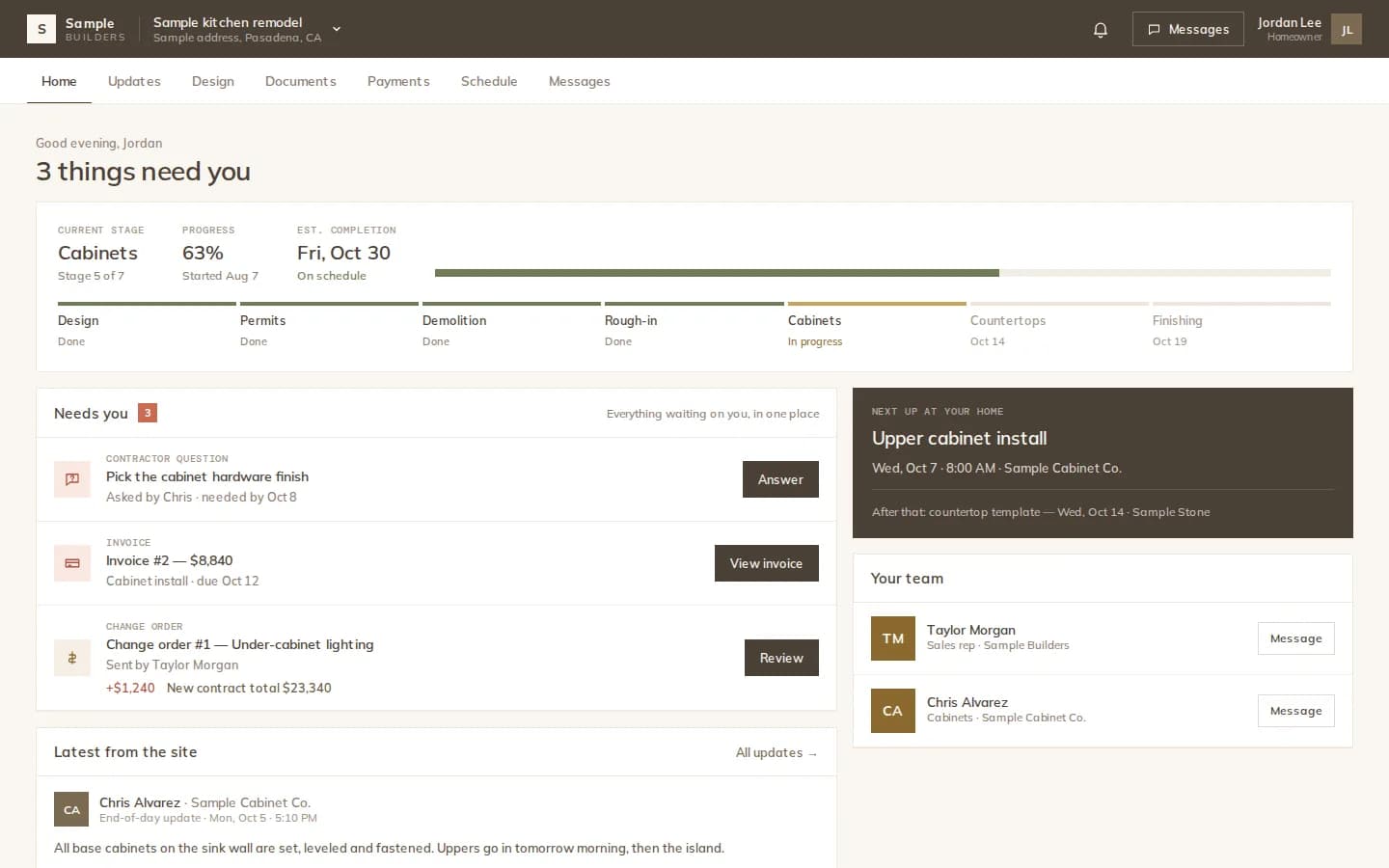
Needs you, latest from the site, the stage and next up at your home.
Run the job · Client portal
Your client opens one portal and sees what needs them, what happened on site today, what is coming up at their home, and every design, document and invoice. It is free for clients and works on any phone.
How it works
Send the portal invite from the project. The client accepts and sees only their own project.
Renders, tours, the material list, documents and site updates appear when you share them.
Approve designs, sign documents, answer the crew's questions, see invoices and message the team.
Home
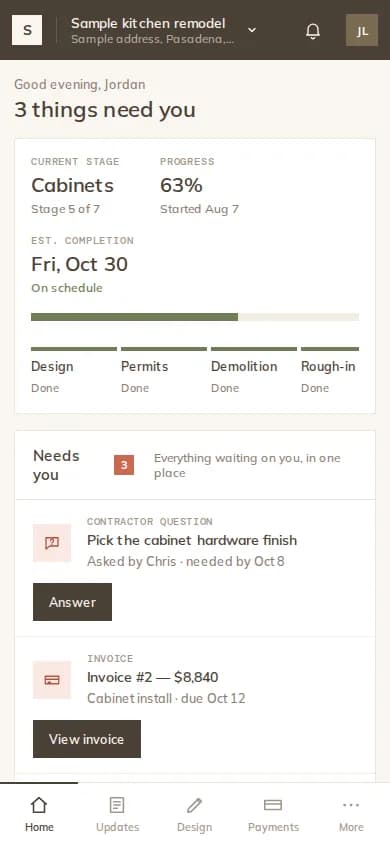
The Home tab leads with what is waiting for the client: questions from the crew, invoices, and change orders or documents to sign. Then the latest update from the site, the current stage, what is next at their home, and the project team.
Design
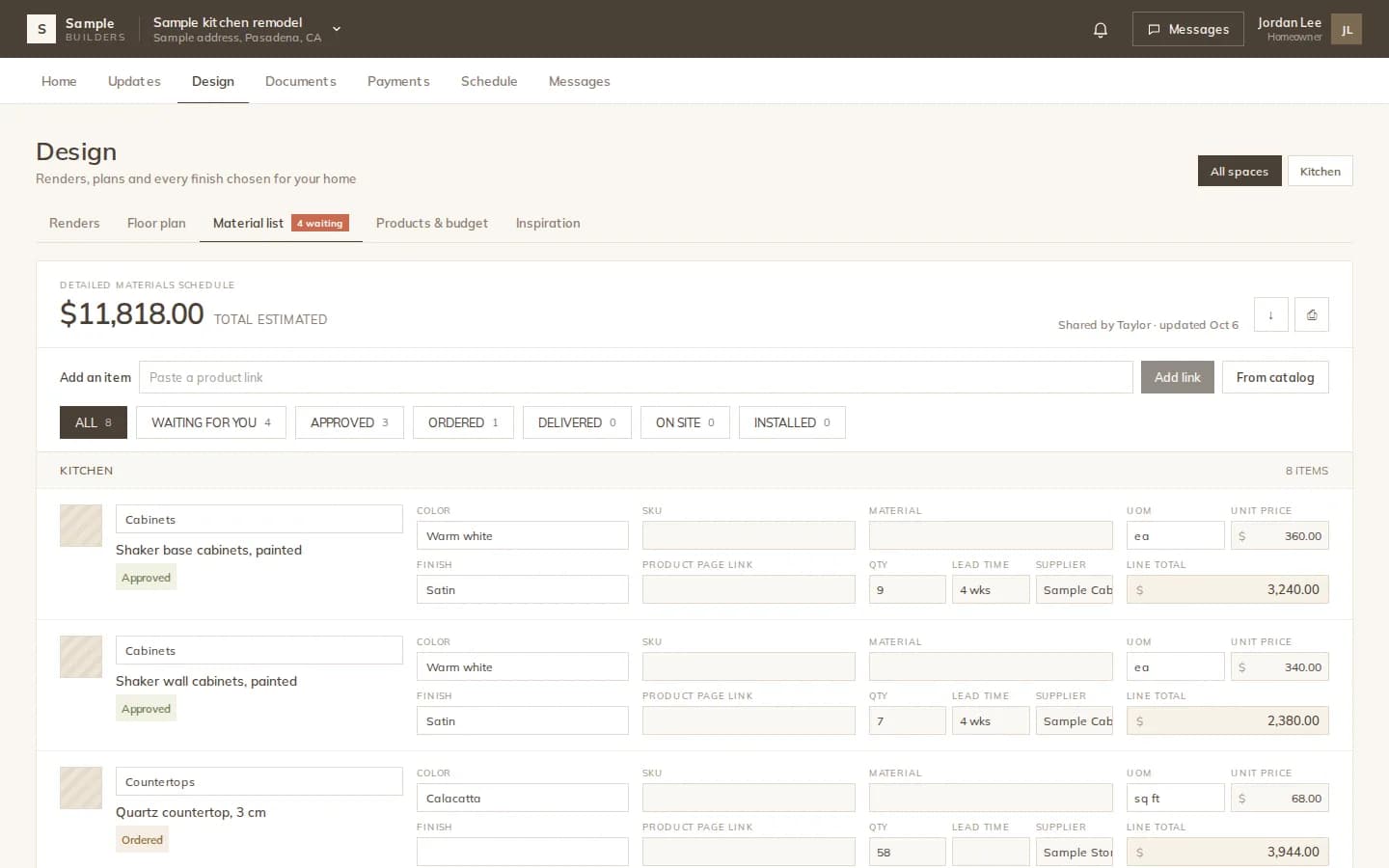
Under Design the client sees the renders and 360° tours you shared, the floor plan, the material list, products and budget, and their inspiration board. They approve or request changes on each.
The tabs
Needs you, latest from the site, the stage and next up at your home.
End-of-day site updates with photos, questions to answer and comments.
Renders, tours, floor plan, material list, budget and inspiration.
Shared documents to read, download and sign.
Invoices, what is paid, what remains on the contract, and receipts.
Conversations with each contractor and the sales rep, with photos.
The details
The Payments tab shows invoices and receipts. Clients pay you outside Modula; there is no online payment in the portal.
FAQ
Works with
Designs, documents, payments and updates, in a portal that is free for them.